
Broadcast Urgent & Important Messages with Voice Broadcasting
Voice Broadcasting allows you to instantly send an important voice message to your employees, customers or a pre-selected group of people instantly or on the go. Voice Broadcasting is Techyy's in-house developed voice alerting technology for when crisis occurs.
Why Voice Broadcasts?
Instantly send a voice message to hundreds of phone numbers with Voice Broadcasts
Voice Broadcasting is quicker than email and you'll know straight away who's heard your message.
With Techyy's Voice Broadcasting tool, you can send a voice message to hundreds of people and get responses within minutes. Alert people within seconds of an important message and get feedback instantly.
Say goodbye to waiting for people to respond to your email, and improve efficiencies having to wade through hundreds of text messages.
Features:
- Send a message in two minutes
- Send a single message to hundreds of telephone numbers instantly
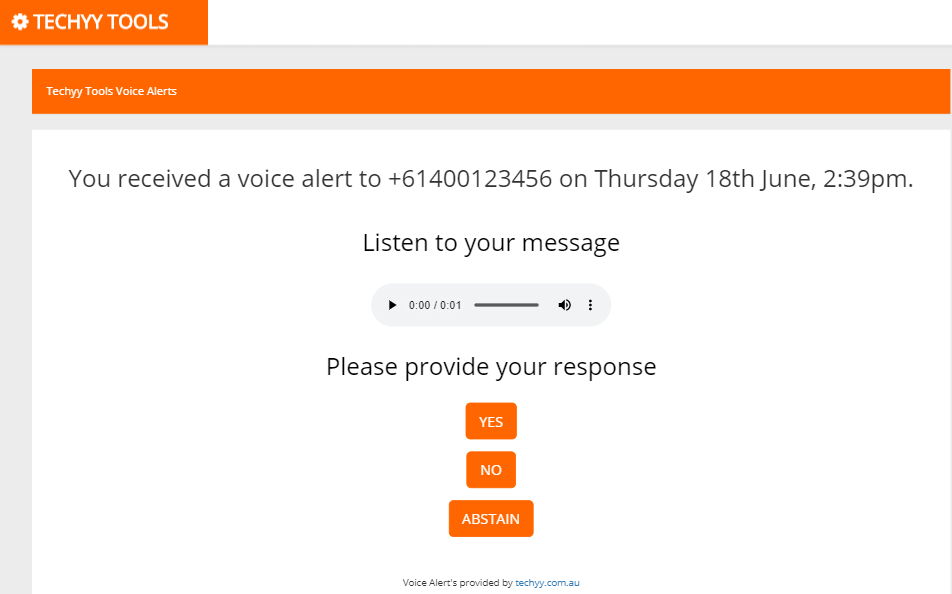
- Missed the call? Messages can be sent via SMS as well which users can play back the recording and respond
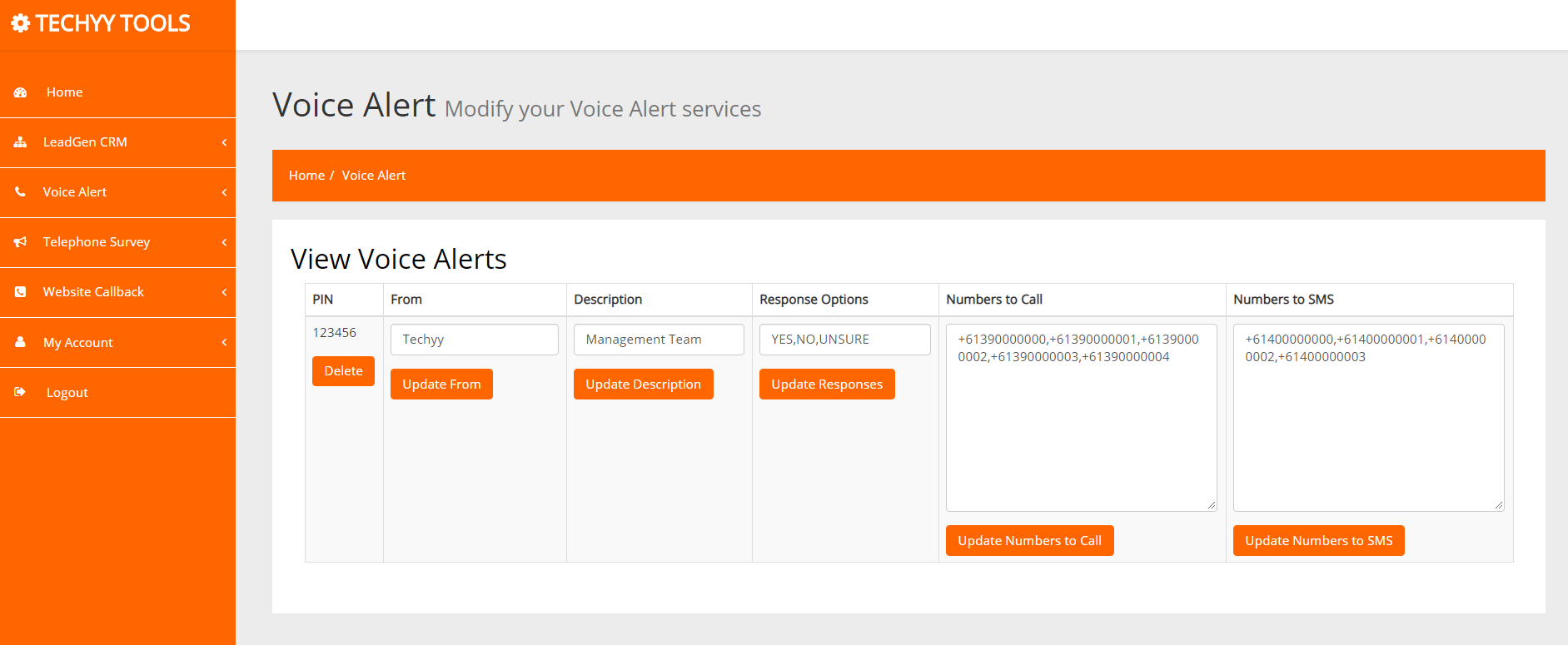
- View responses instantly through out user interface
- Add numbers to call as well as numbers to sms
- Easily import your telephone numbers
Emergency Services
In case of a time-critical emergency, quickly and effectively notify first responders with a voice message that is instantly calls or sms everyone instantly. View responses in real-time to know who has acknowledged and is responding to the emergency.
Employment Agencies
If a position needs to be filled in short notice, simply record your message and call or sms the team to see who is available to fulfil the role.
Retail/Hospitality
Save time and the repetition of calling up individuals to see who is available to work a particular shift. Send them a custom voice message and see is available immediately.
Management Teams
Has a crisis just occurred? Inform the right teams immediately and provide them the necessary details.

Send within seconds
Within less than 60 seconds and one phone call, you can broadcast your message.
Send to 100's
Your message can be sent via a voice call or SMS message to 100+ people.
Instant responses
Know how people respond to your message know whether they received it.
Bulk import
Quickly and easily import and manage your telephone numbers.
Ideal for Voice Broadcasting for Employment Agencies
Fulfil shifts with ease
Sam runs a employment agency for a childcare centre. An employee calls Sam at 7am in the morning informing her that they cannot come into work today as they a sick. Sam needs to find someone instantly to fulfil the shift. Instead of Sam calling people individually to find someone to fulfil the shift, Sam calls the Voice Broadcast line and records a message stating she needs someone to a shift for a 9:00am. Within minutes, Sam logs onto the Voice Broadcasting interface and finds a live report who is available for that shift. Sam calls that person to confirm and provides extra details.
This took Sam 5 minutes whereas it could have taken 30 minutes using previous methods.
Ideal for Support Teams
Initiate an emergency response
Fred is covering the after-hours support number when a customer calls up at 3am with a priority 1 issue. Fred needs to inform management of the issue and to request extra support. Fred calls the Voice Alerting system, states the nature of the incident and what support he requires. Within minutes, all relevant teams are aware of the issue and the issue is escalated for a prompt resolution for the customer.
Ideal for Tour Operators
Contact all your travellers about any potential hazards or emergency warnings
Dave runs a local tour organisation with a number of travellers out on self-guided walking trips. The Bureau of Meteorology just issued a storm warning. Dave wants to ensure his travellers are safe, and uses the Voice Broadcasting system and sends a message to his travellers warning them of the storm warning and the actions they must take. Dave can then see who has acknowledged the warning, saving him time with contacting all of his travellers.